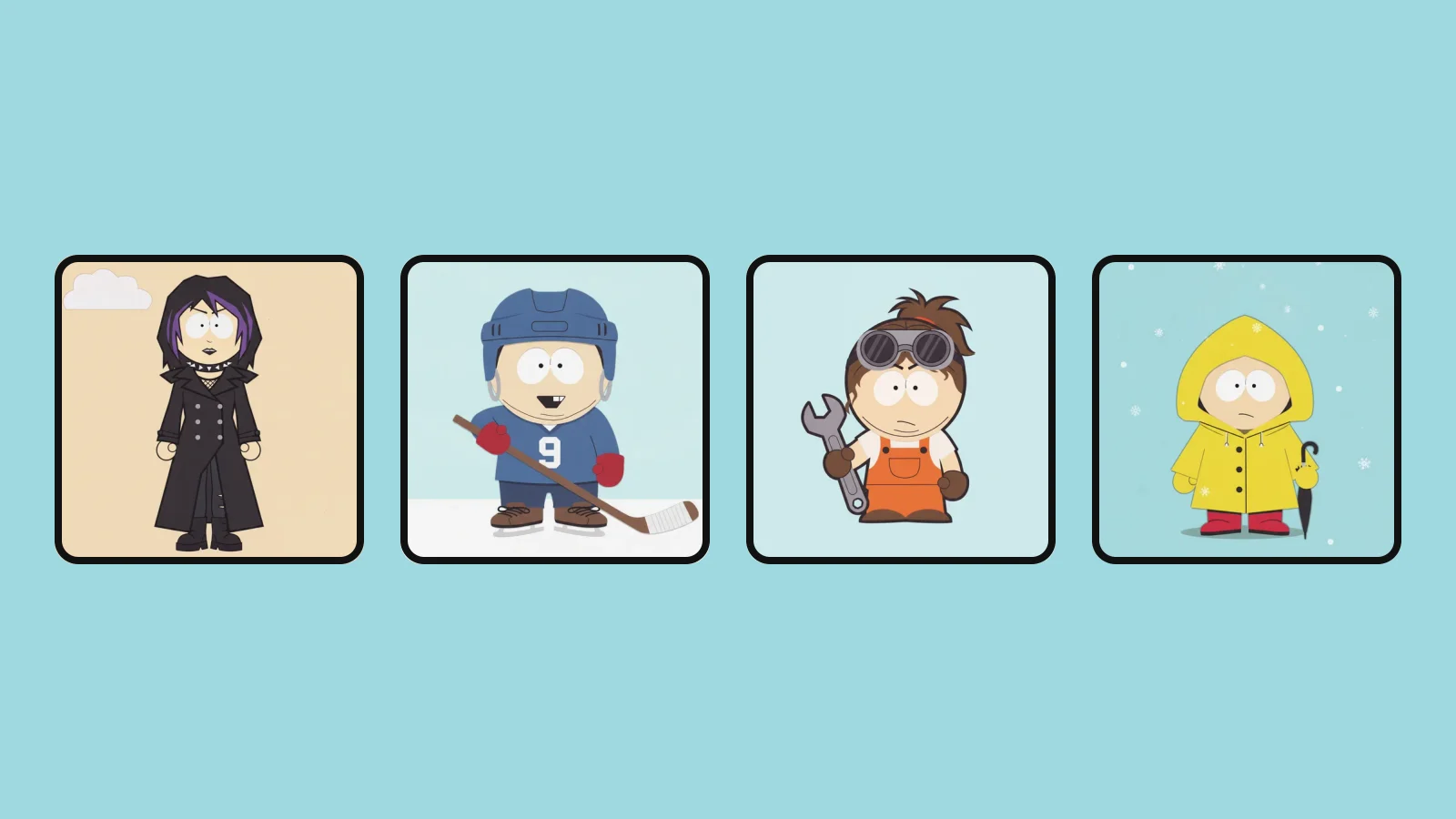
Short answer: the official South Park Avatar Creator is a free, manual part picker run by South Park Studios. You open it from the Avatar tab on the official South Park site, choose skin, face, clothing, and background parts by hand, and use Save & Share when you are done. A separate Code Entry tab accepts promotional codes. It does not turn a photo into a character.
This site is not that tool. We are an unofficial, fan-made AI generator and are not affiliated with Comedy Central, Paramount, or South Park Studios. This page explains the official creator so you can decide which tool suits the character you want to make.
What we checked: on November 4, 2026, we opened the US and global Avatar pages and the editor they load. We did not save or share an avatar, enter a code, or test downloads. Features and availability can change by region.
Where the official creator lives
| Page | URL | What it is |
|---|---|---|
| US Avatar page | southpark.cc.com/info/lv0nha/avatar | The official site's Avatar tab, with the creator embedded |
| Global Avatar page | southparkstudios.com/info/lv0nha/avatar | The same Avatar tab on the global site |
| Editor | avatar.southparkstudios.com | The creator itself, with a Create Your Own button |
If a page claims to be the "official" creator but is hosted on another domain, treat it as a third-party tool. That includes this site, SP-Studio, and every Picrew maker.
What the editor offers
When we opened Create Avatar, the editor started from a plain base character. A row of category icons covered skin tone, eyes, mouth, clothing, headwear, accessories, backgrounds, and a MEME option. We counted twelve icons, with five skin-tone swatches under the first one. A shuffle button randomizes the parts, and an X button clears them.
The official page describes the tool as a way to create your own South Park alter ego or make one of your family and friends, then save it to your computer. The Save & Share button is where that happens. We did not complete it, so we cannot confirm the file format or size.
Because you choose every part, the official creator works like SP-Studio and Picrew rather than an AI generator. The same choices always give the same character. The limit is the part library: if the hairstyle or outfit you want is not in it, you cannot add it.
What "South Park Avatar Creator codes" are
The Code Entry tab shows an Enter code field and a Submit button. Codes unlock items that are not in the normal library. In 2016, South Park's official social accounts announced the then-new creator with the code SPCC2016 for Comic-Con exclusives. Reddit users have also asked about codes for specific backgrounds. We did not test whether any older code still works in 2026.
Two cautions:
- "South Park codes" on TikTok or YouTube are often Roblox image IDs, not codes for this creator. They will not unlock anything in the official editor.
- Look for codes in official South Park posts. Sites that promise "all unlock codes" or ask you to download something are not affiliated with the creator.
Official creator vs SP-Studio vs Picrew vs AI
| Official Avatar Creator | SP-Studio | Picrew makers | AI generator (this site) | |
|---|---|---|---|---|
| Who runs it | South Park Studios | A fan-made independent site | Individual artists on Picrew | Unofficial, fan-made |
| How you create | Pick parts by hand | Pick parts by hand | Pick one artist's parts | Upload a photo or describe an OC |
| Looks like a real photo of you | Only if you match the parts yourself | Only if you match the parts yourself | Only if you match the parts yourself | Interprets your photo; likeness varies |
| Items outside the library | No (codes add some) | No | No | Can be requested; may be simplified |
| Same result every time | Yes | Yes | Yes | No; each run draws a new image |
| Cost | Free | Free, donation-supported | Free; check each maker's rules | First guest image free, then 5 credits per image |
Which tool to use
- Use the official creator when you want the first-party experience and its parts cover your idea. It is also the place to try an official promotional code.
- Use SP-Studio when you want a larger library of hand-picked parts and editable saves. See our SP-Studio alternatives guide.
- Use a Picrew maker for a particular artist's style, for example a girl, teen, or adult OC maker. Read that maker's permissions first. Our Picrew guide lists makers we checked.
- Use an AI generator when the character should look like a real photo, or when the outfit is not in any library. On our South Park character creator, choose From a photo or Describe an OC.
| Synthetic input photo | AI result from our generator |
|---|---|
 |  |
The pair above is an unedited result from our generator on October 17, 2026. The input is a synthetic photo, not a real customer. A manual part picker could get close to this only if it had similar hair and jacket parts.
Questions about the official creator
Is the official South Park Avatar Creator free?
The page did not ask us to pay or sign in to start creating. A cookie consent banner appears first on the official site.
Can I upload a photo to the official creator?
We did not see a photo upload option in the editor. You build the character from parts. For a photo-based avatar, use an AI tool and check its privacy rules before uploading a face; our teen privacy guide covers what to check.
Can I make a teen or adult character?
The base figure we saw has the show's standard kid proportions. We did not check every category for a taller body option. For grown-up proportions, see our guide to teen and adult South Park OCs.
Can I use my avatar commercially?
The official site's characters and logos are trademarks of Comedy Partners. Read the official Terms of Use before using an avatar on merchandise or in anything you sell. The same applies to SP-Studio, Picrew makers, and AI tools: check each service's own terms.

Author