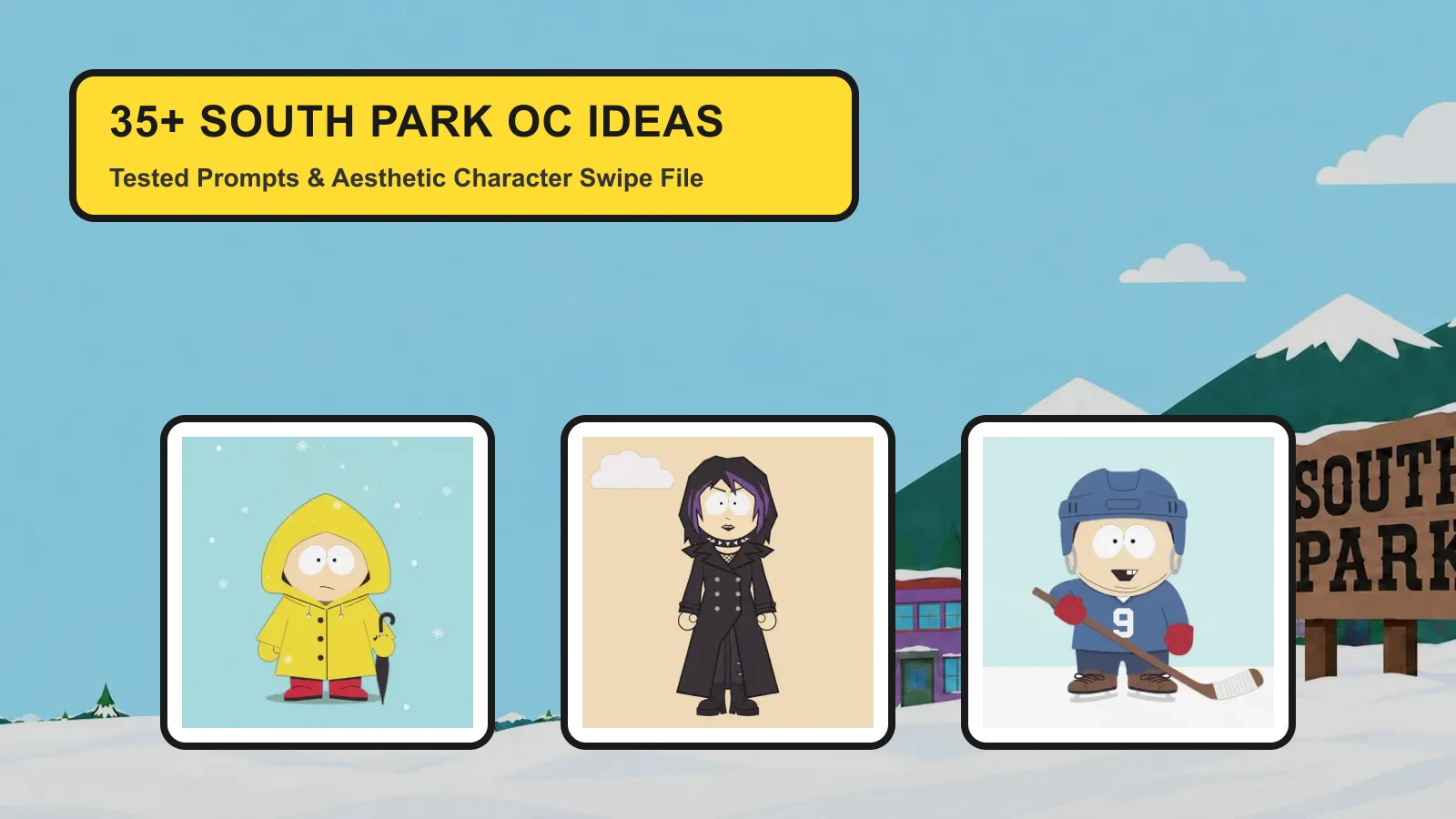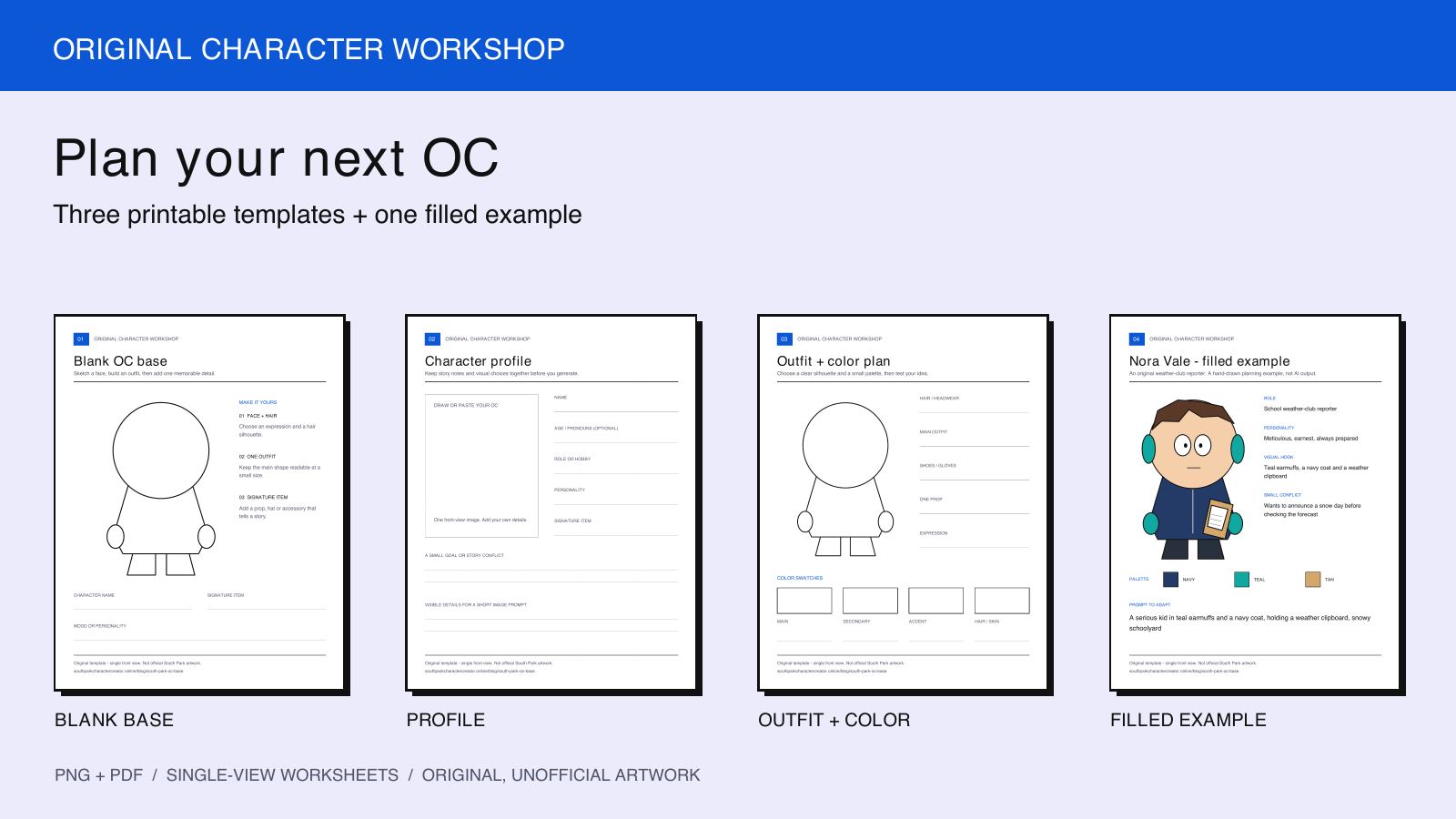
Use these original South Park-style OC templates to plan a character before you draw or generate one. Choose a blank base for sketching, a profile sheet for story notes, or a color plan for an outfit. They are free to download without signing in or spending generation credits.
Download all four sheets as one PDF · Blank base PNG · Blank base PDF
The files are our original planning artwork, not official show assets. These are single-view worksheets, not editable body-part layers or a generated front/side/back turnaround. The PDF is a printable document, not a fillable web form.
Choose a template
| Template | Use it for | Downloads |
|---|---|---|
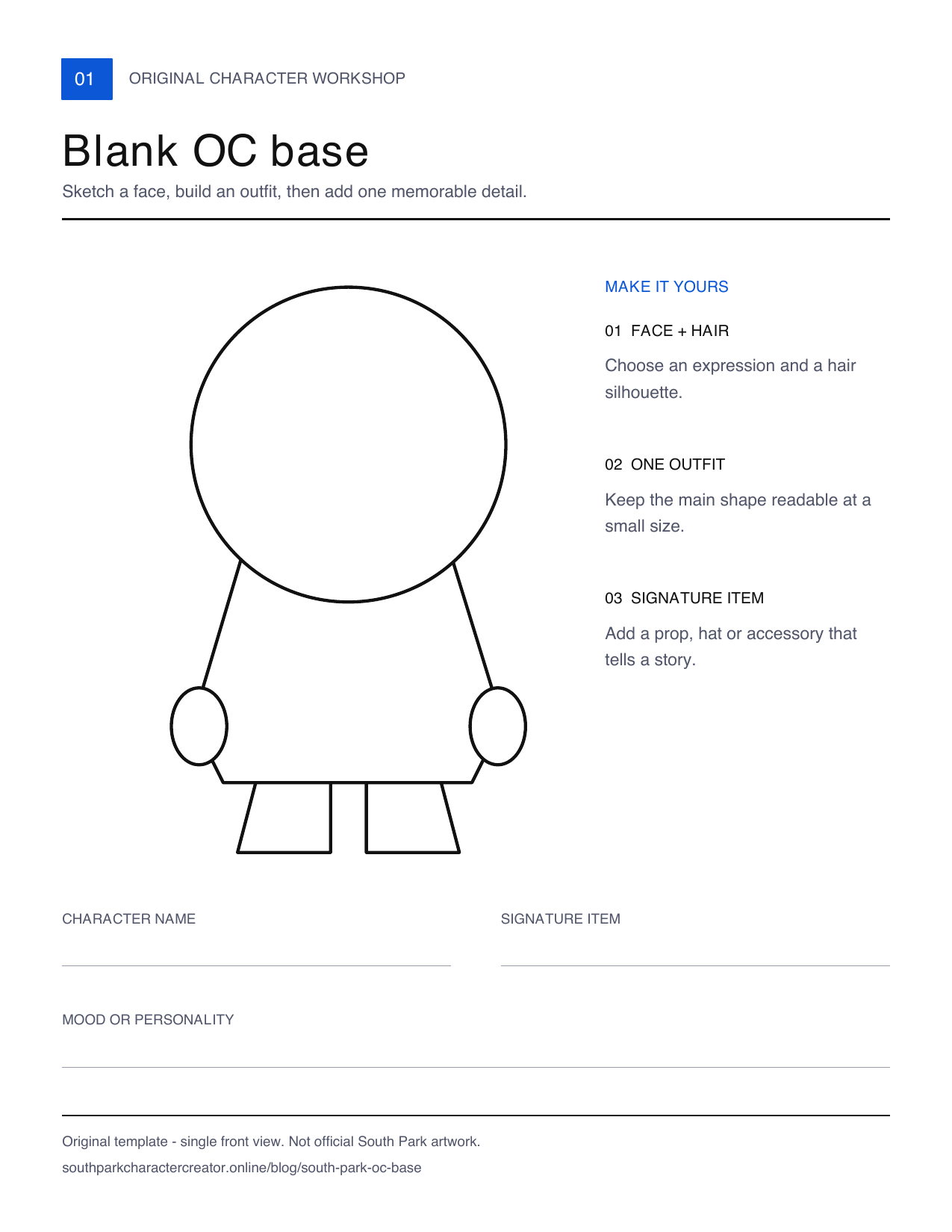
| Blank OC base | Sketch a face, hair, outfit and one signature accessory on a simple front-view outline | PNG · PDF |
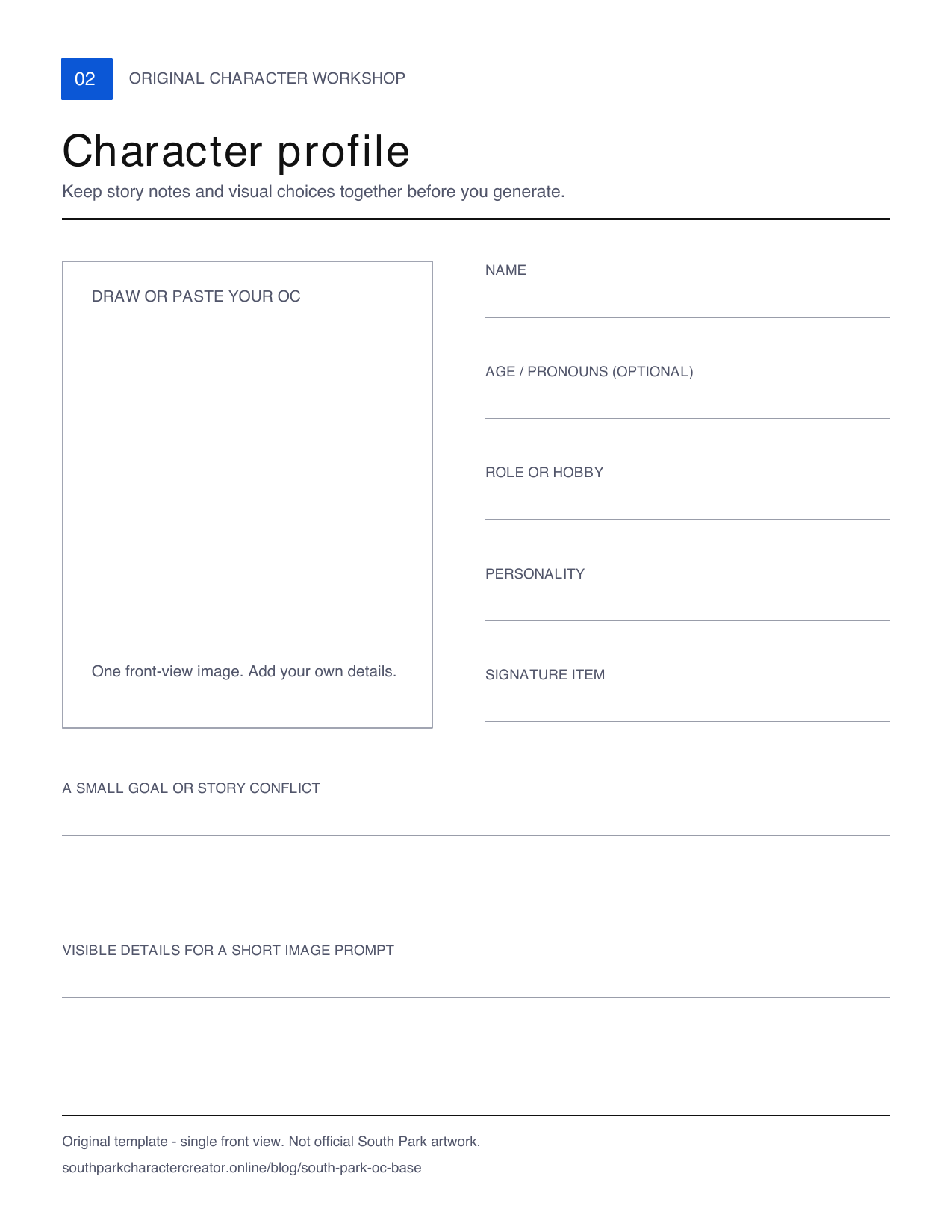
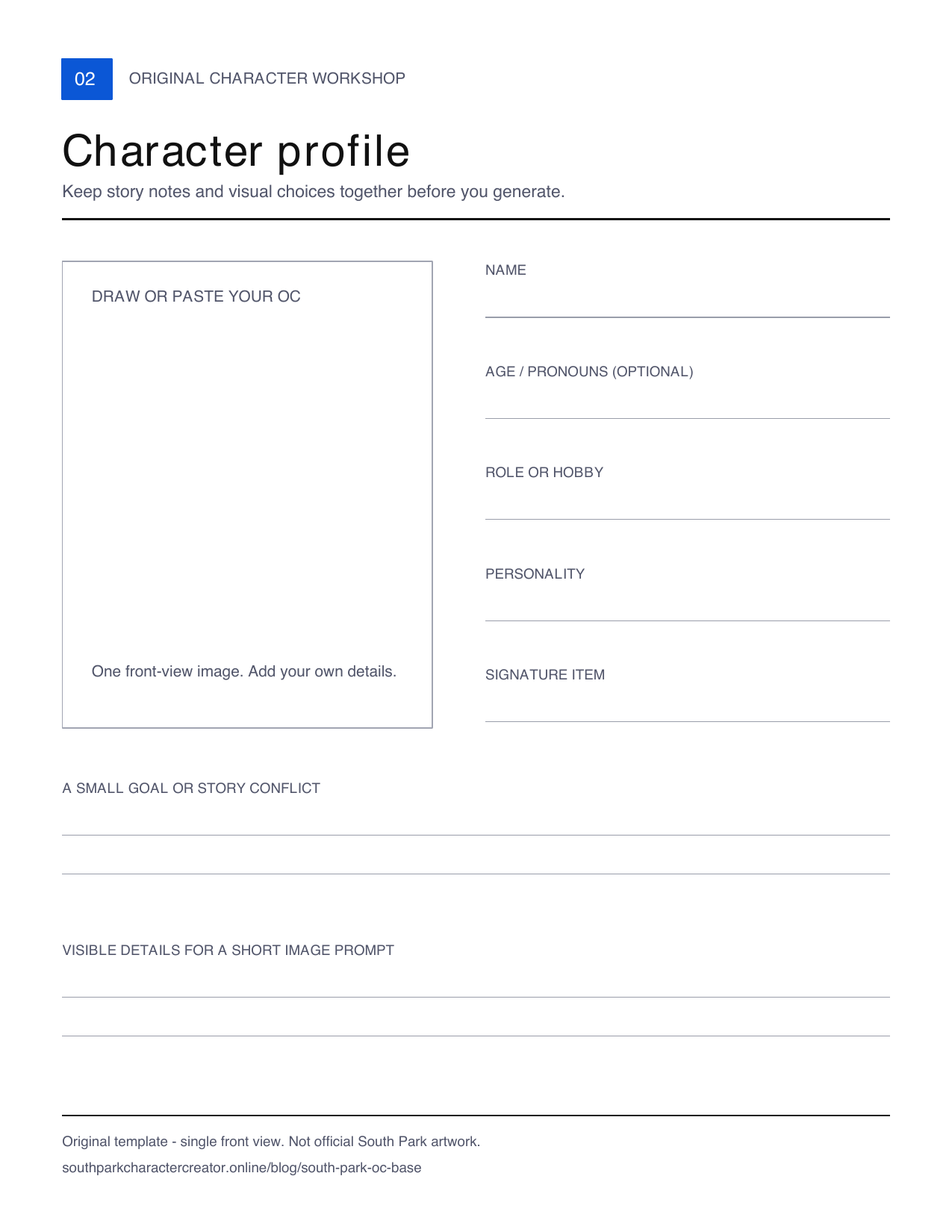
| Character profile | Keep a name, role, personality, visual hook and story conflict beside your character | PNG · PDF |
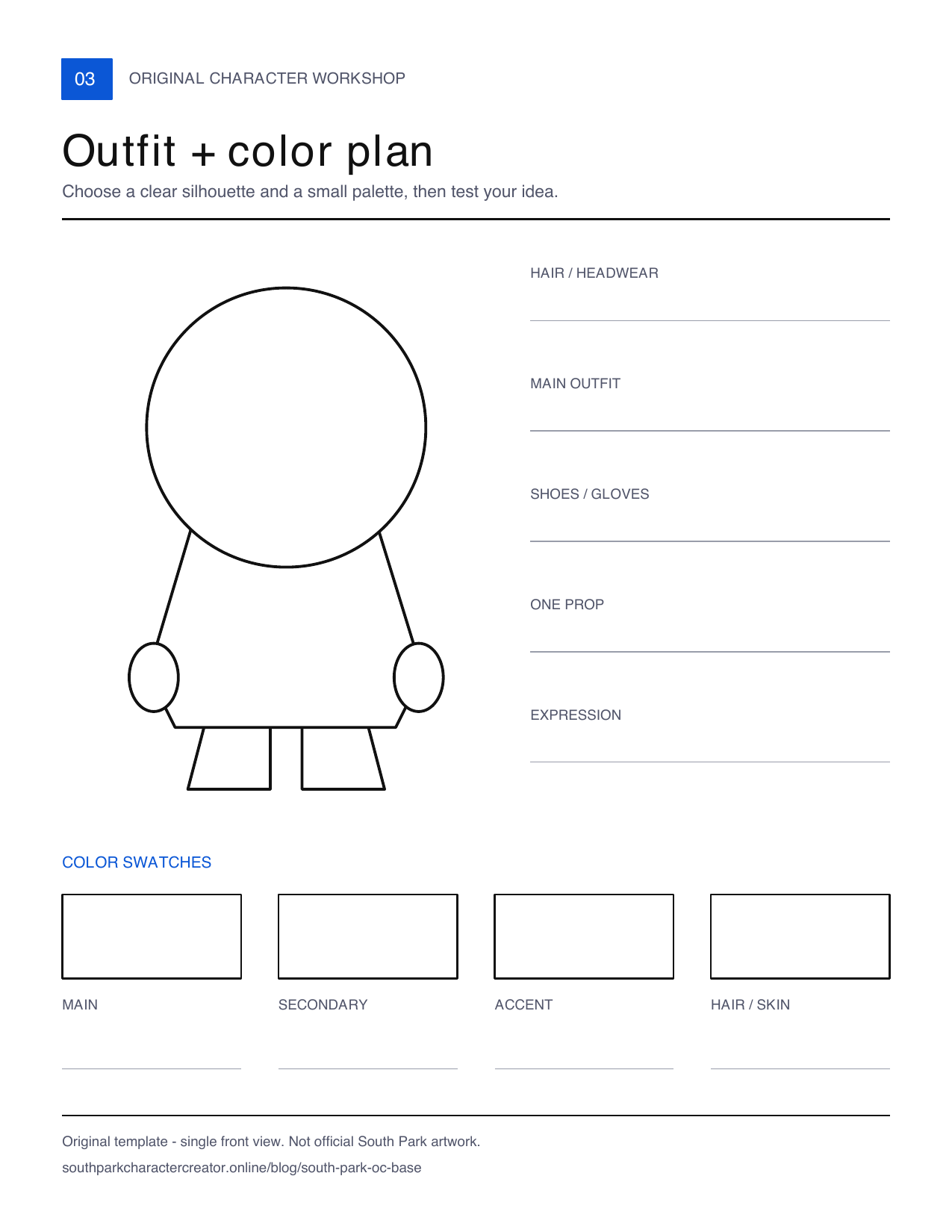
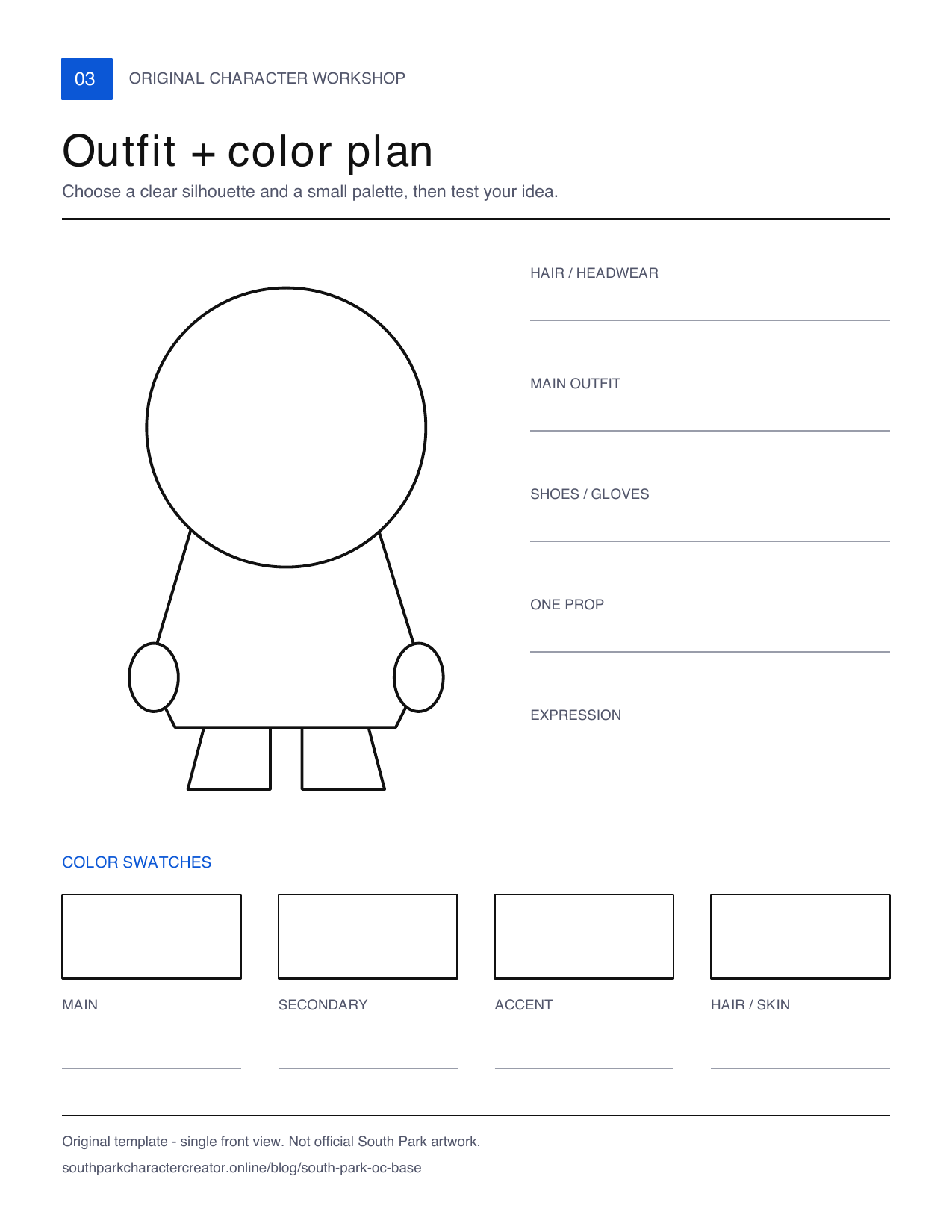
| Outfit and color plan | Decide on hair, clothing, shoes, a prop and a small color palette | PNG · PDF |
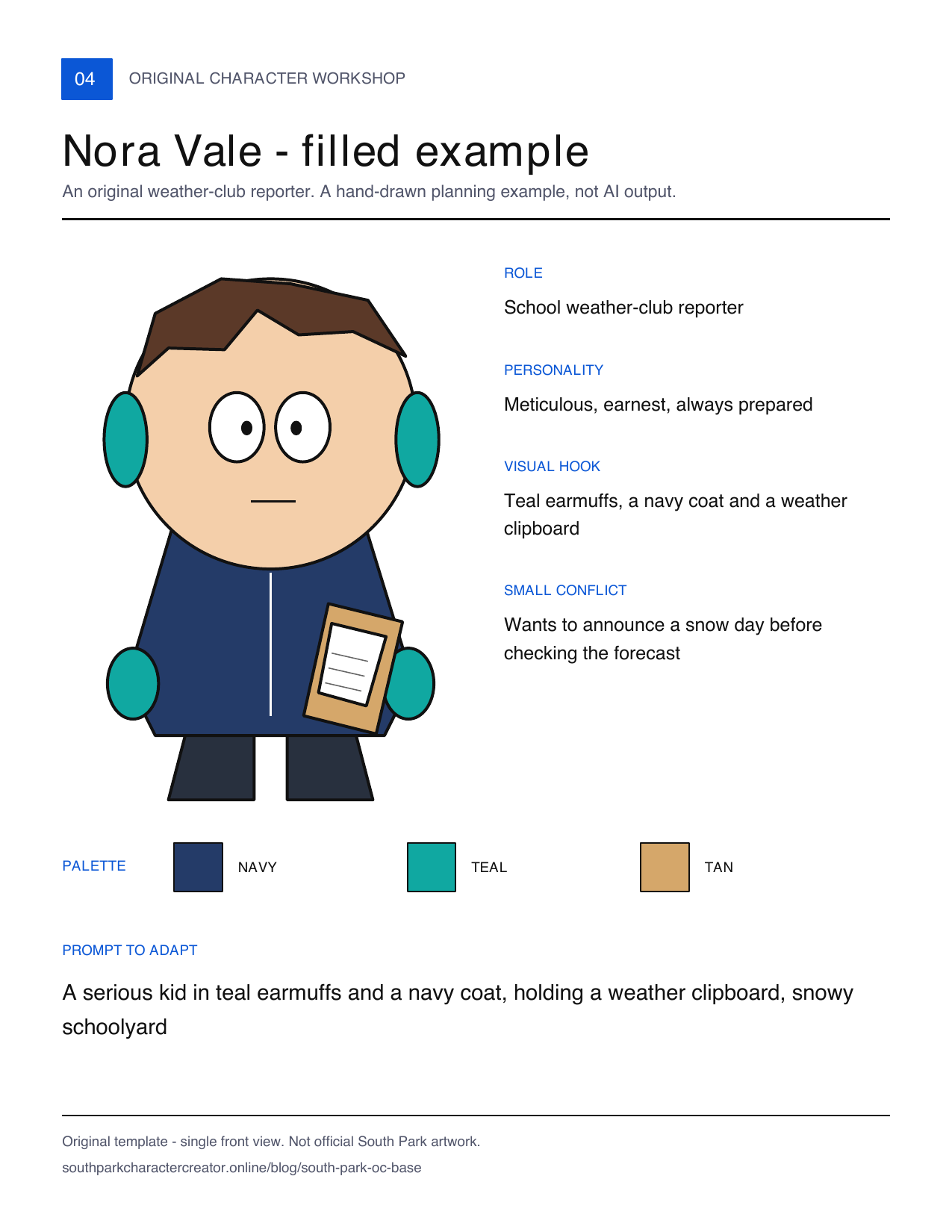
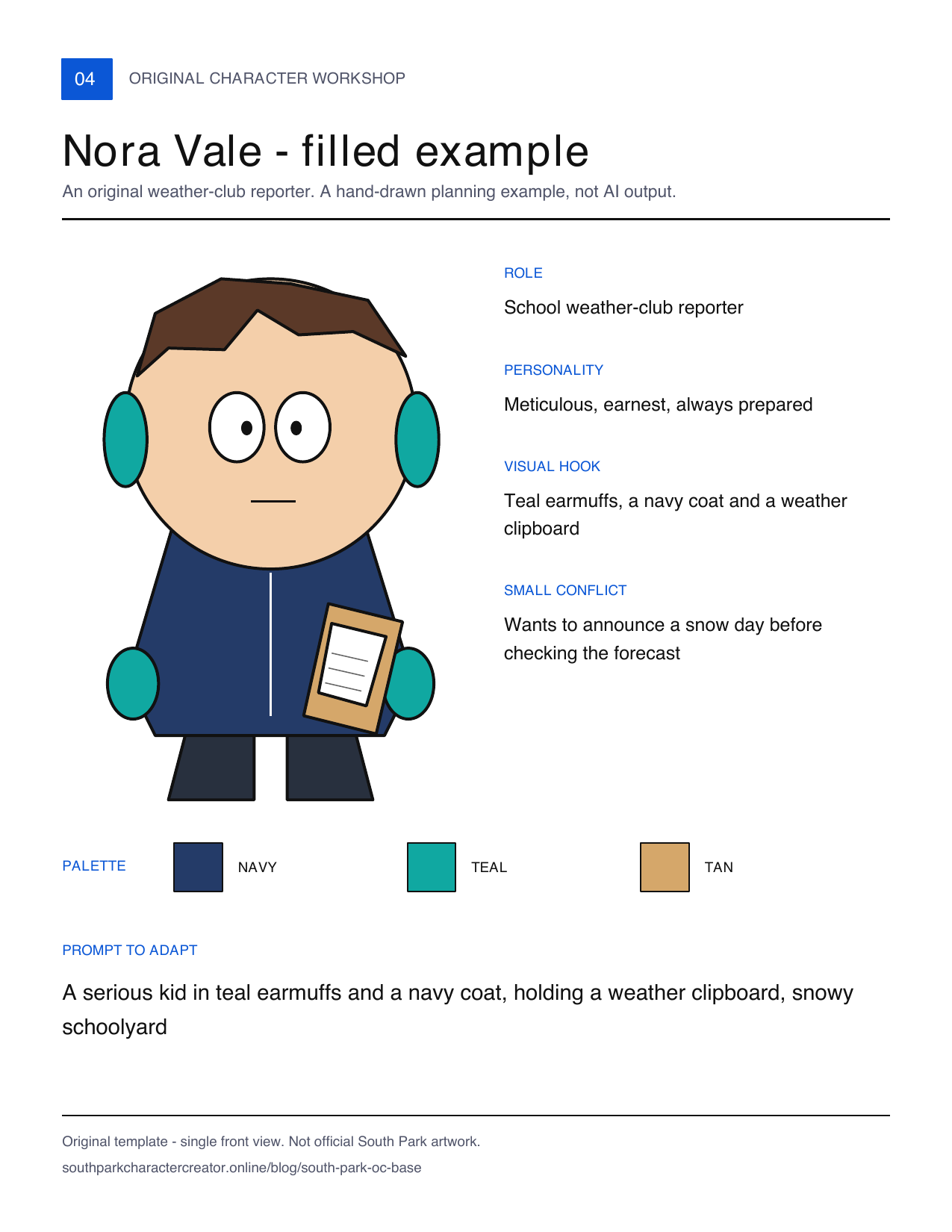
| Nora Vale, filled example | See how a short character idea becomes concrete visual choices | PNG · PDF |
Each PNG is 1275 × 1650 pixels, with a white background. Each PDF page is US Letter, 8.5 × 11 inches, with crisp vector outlines. Print on Letter at Actual Size, or use Fit to Printable Area on A4. On a phone, open the PNG and use your browser's image-save action; for the PDF, use Share or Save to Files. The exact menu depends on your browser.
Blank base: start with an original silhouette
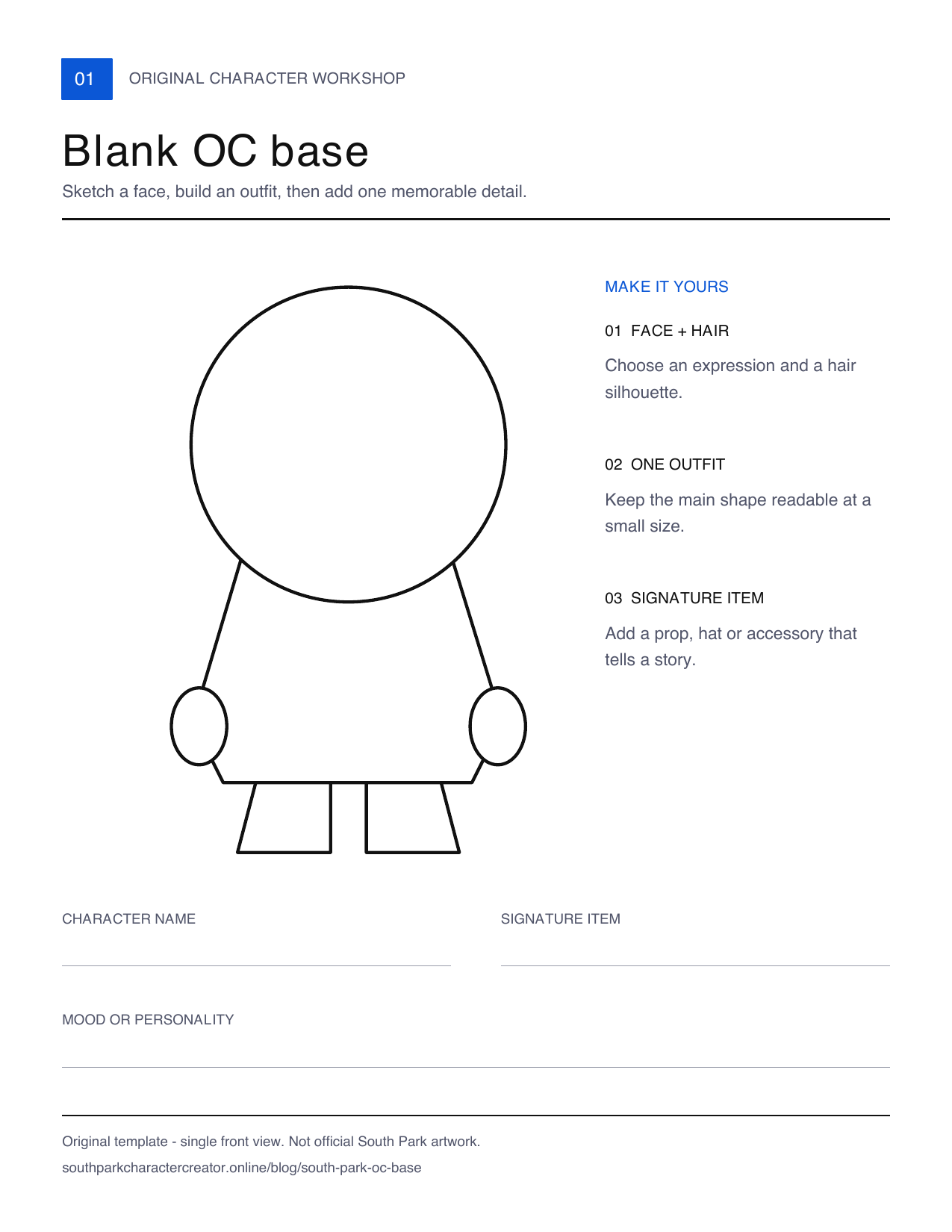
Draw directly over the PNG in an image editor, or print the PDF and use a pencil. The open head and body areas let you choose the expression, hairstyle and clothing yourself. Keep one recognizable visual hook, such as a pair of earmuffs, an oversized coat or a clipboard.
The outline is a starting point, not a rule that every OC must have the same body. Change the shape or proportions to suit your character. It contains no traced official character, branded clothing or preselected face.
For an explanation of proportions, prompts and actual generated examples, read how to make your own South Park OC.
Character profile: keep the story separate from the image prompt
Download the profile PNG · Download the profile PDF
Fill in a name, a role or hobby, a personality and a small goal. Age and pronouns are optional. Then decide which parts someone could recognize in a small picture. A model can draw earmuffs and a clipboard; it cannot reliably express a full biography in one avatar.
Use the lower lines for a short description of visible details. This is a planning reference sheet with room for one image. It does not create matching poses or guarantee the same face across AI generations.
Outfit and color plan: make the character easy to recognize
Download the outfit PNG · Download the outfit PDF
Choose the largest clothing shape first, then add a hair or headwear choice and one prop. Fill the swatches with a main color, a secondary color, an accent and a hair or skin color. You do not have to use every swatch.
If the design becomes hard to read at avatar size, remove a small accessory before adding more. For inspiration, browse the 36 OC ideas and short prompts. Those writing suggestions are separate from the documented generated examples on that page.
Filled example: Nora Vale, weather-club reporter
Download the example PNG · Download the example PDF
Nora is an original planning example drawn for these templates. This illustration is not an AI output or a promise of what the generator will produce.
| Planning choice | Nora's example |
|---|---|
| Role | School weather-club reporter |
| Personality | Meticulous, earnest and always prepared |
| Visual hook | Teal earmuffs, a navy coat and a weather clipboard |
| Story conflict | Wants to announce a snow day before checking the forecast |
| Palette | Navy, teal and tan |
Here is a short prompt to adapt:
A serious kid in teal earmuffs and a navy coat, holding a weather clipboard, snowy schoolyard
Keep the biography in your worksheet and put the visible details in the generator. Open Describe an OC, enter your description and review the result. Text mode does not require a photo. New image generations follow the site's current trial and credit rules; downloading these templates does not use credits. The model may change or omit small details, and this example prompt is a writing suggestion rather than a newly tested generation.
How to use the files
- Pick the task. Use the base for drawing, the profile for character notes, or the outfit sheet for visual decisions.
- Save the file. PNG works in an image editor; PDF works for printing. Keep an untouched copy if you want to reuse the template.
- Make one original character. Choose a role, a clear outfit and a signature item. Avoid tracing a character from the show.
- Draw, or write a short prompt. A finished worksheet is useful on its own; AI generation is optional.
- Check the result. If you generate an image, compare the main visual hook rather than expecting every note to appear. Save your own worksheet because the generator is not an editable character-profile database.
Use and sharing permission
You may download, print, fill in and adapt our original worksheets for your personal OC projects. You may share your completed sheet with credit to southparkcharactercreator.online. To share the blank templates, link to this page; do not resell or redistribute the unchanged files as your own template pack.
This permission covers our original template artwork only. It does not grant rights to South Park names, logos, official artwork, existing characters or other third-party material you add. These are unofficial fan-creation resources, not an endorsed South Park product. The same terms are included in the download folder's usage note.
Questions about these OC templates
Can I download a South Park OC base without an account?
Yes. The PNG and PDF links on this page open directly. Template downloads do not require an account or generation credits.
Are the PNGs transparent?
No. These are white-background worksheets, suitable for printing or adding a drawing layer in an editor. They are not transparent clothing pieces.
Can I edit the PDF fields in my browser?
These PDFs are static printable worksheets. Print and write on them, or annotate a copy with a PDF or drawing app. No online profile is created when you fill one in.
Is this a multi-view character reference generator?
No. The base and outfit sheet each show one front-view outline; the profile has space for one character image. They do not generate consistent side or back views.
What should I make next?
Use the OC guide for design rules and tested examples, the ideas collection for a starting prompt, or the main creator's text mode when you are ready to generate an image.

Author