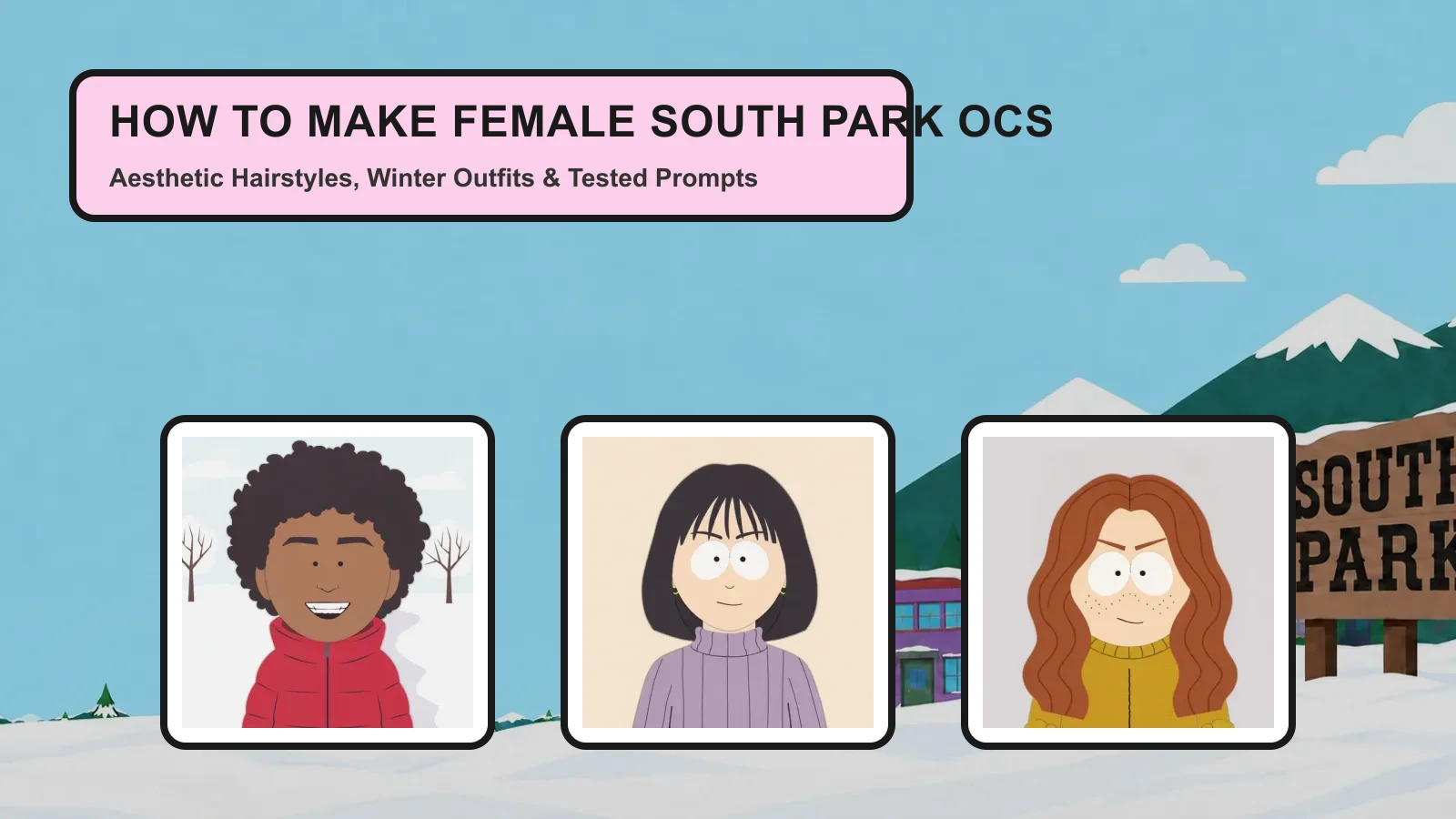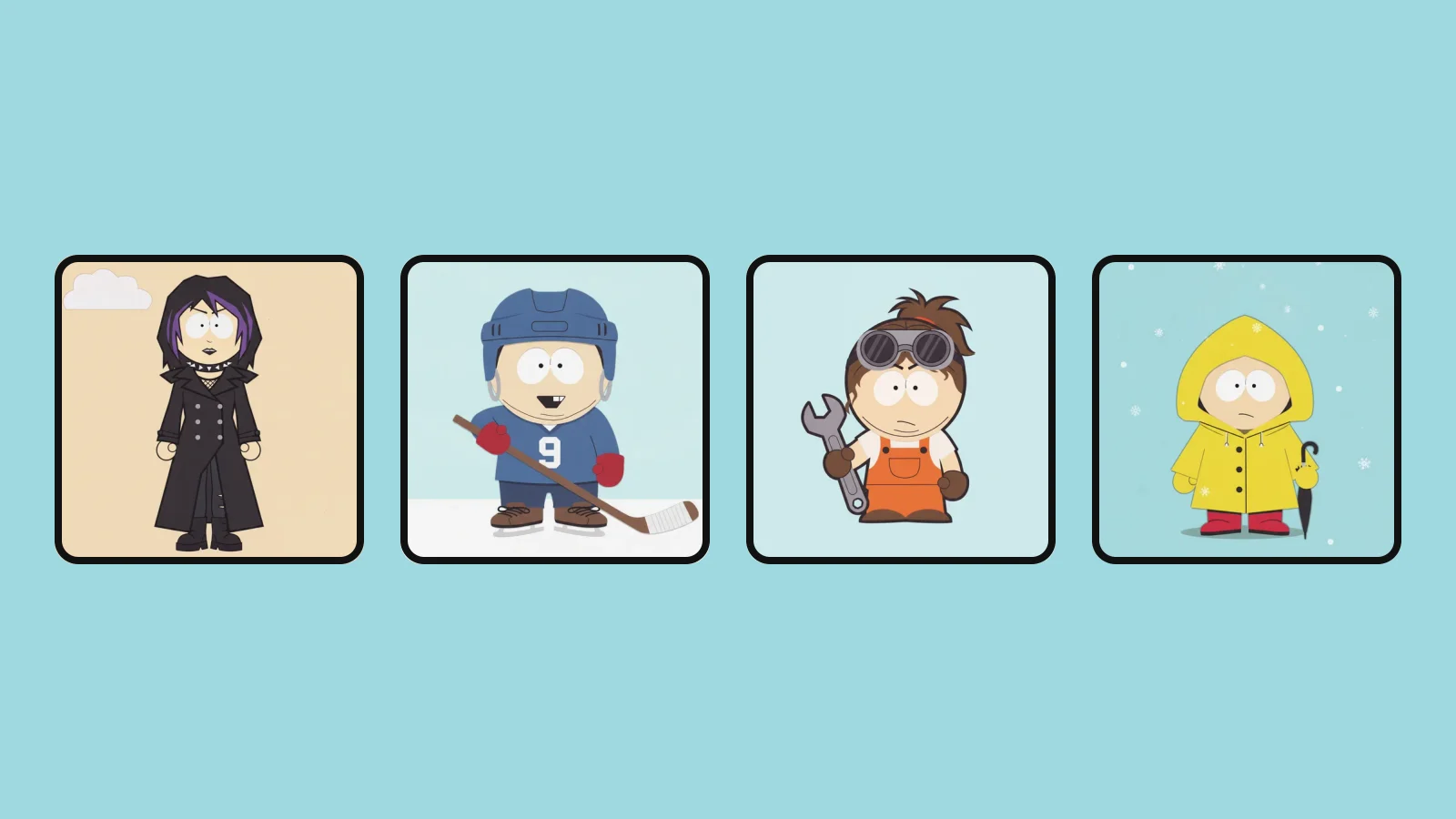
A set of matching South Park PFPs works when the avatars clearly belong together side by side, yet each one is still recognizable on its own in a chat list. With a South Park-style avatar, that comes down to a few shared choices: the same shape, the same background, the same crop. Then you give each person one thing that is theirs.
Our generator makes one image per request and does not match results to each other automatically. A set is something you assemble: the same instruction for everyone, generated one person at a time, then cropped the same way. This guide shows how, for a couple, two best friends, a trio, or a whole group chat.
What makes a set read as matching
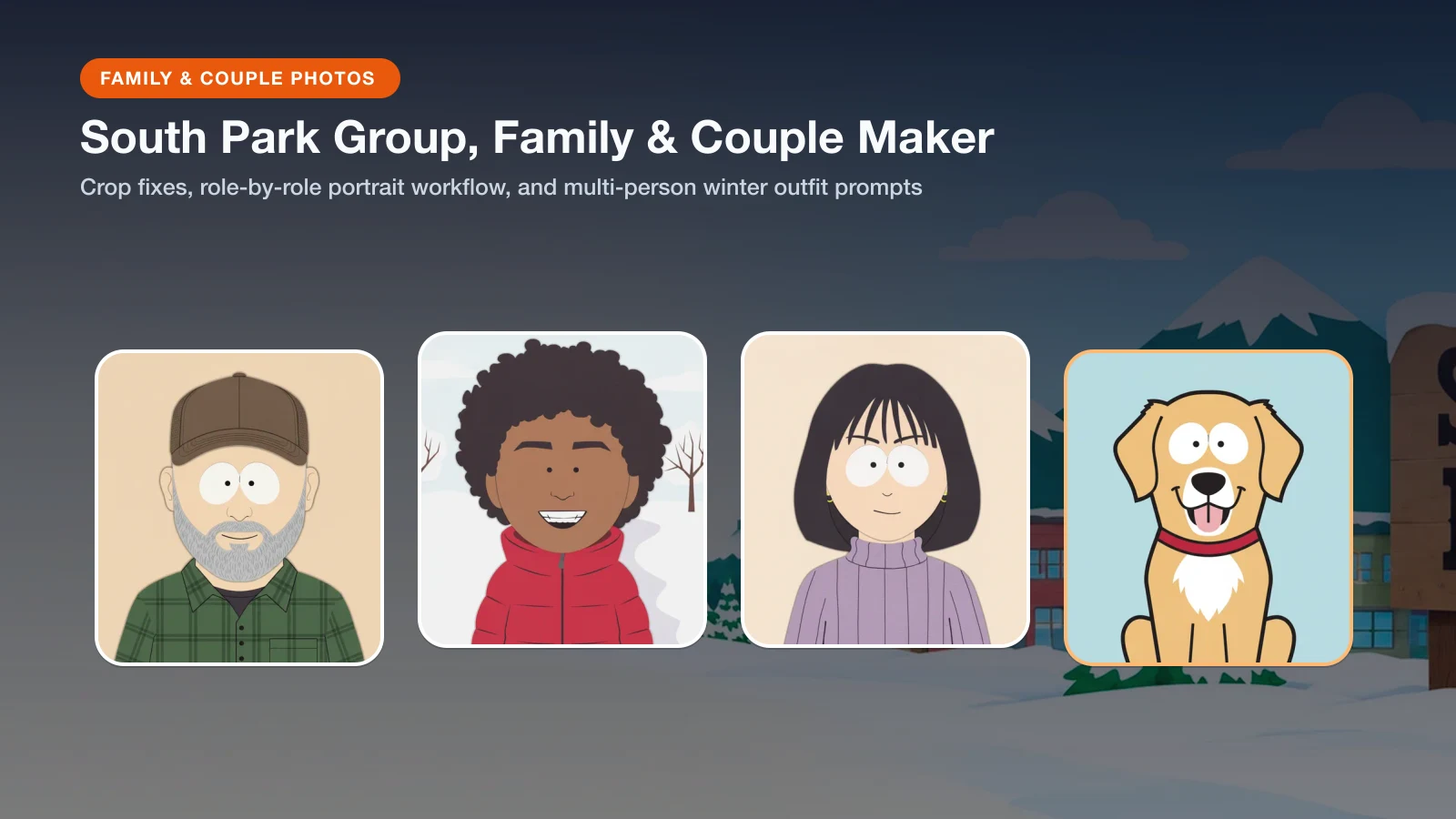
These crops come from unedited results of our generator. The inputs were synthetic photos made for our demo, not real customers.
| Avatar 1 | Avatar 2 | Avatar 3 |
|---|---|---|
 |  |  |
The first two were generated separately from two different photos. Both came back with a plain cream background and a similar head size, and we cropped them at the same zoom, so they read as a pair. The dog came back on a light blue background. Next to the other two, it looks like it belongs to a different set, even though the style is the same.
That is the whole lesson behind matching South Park PFPs: the background and the crop make a set match. Faces and outfits can, and should, differ.
Keep these the same for everyone
| Keep the same | How |
|---|---|
| Shape | Choose 1:1 for every person before generating |
| Background | Put the same plain color in every instruction, such as "plain light blue background" |
| Framing | Ask for "head and shoulders" so nobody ends up as a tiny full-body figure |
| Wording | Reuse one instruction sentence and swap only the person-specific part |
| Crop and export | Use the same Zoom and the same export size (256 × 256 or 512 × 512) |
Background requests are followed loosely. In our recorded OC tests, "snowy background" gave light snowflakes rather than a full scene. A plain single color is the easiest thing for the model to repeat, which is why it is the safest shared detail for a set.
Make these different on purpose
- One signature color per person. Red beanie, navy beanie; or one jacket color each. In a group chat, color is how people find each other's avatars at a glance.
- Each person's own features. Keep the glasses, the bangs, the beard. Matching does not mean identical, and two identical avatars just look like a duplicate.
- One shared detail, if you want a theme. The same style of hat in different colors, or the same snowy setting, ties a set together without erasing anyone.
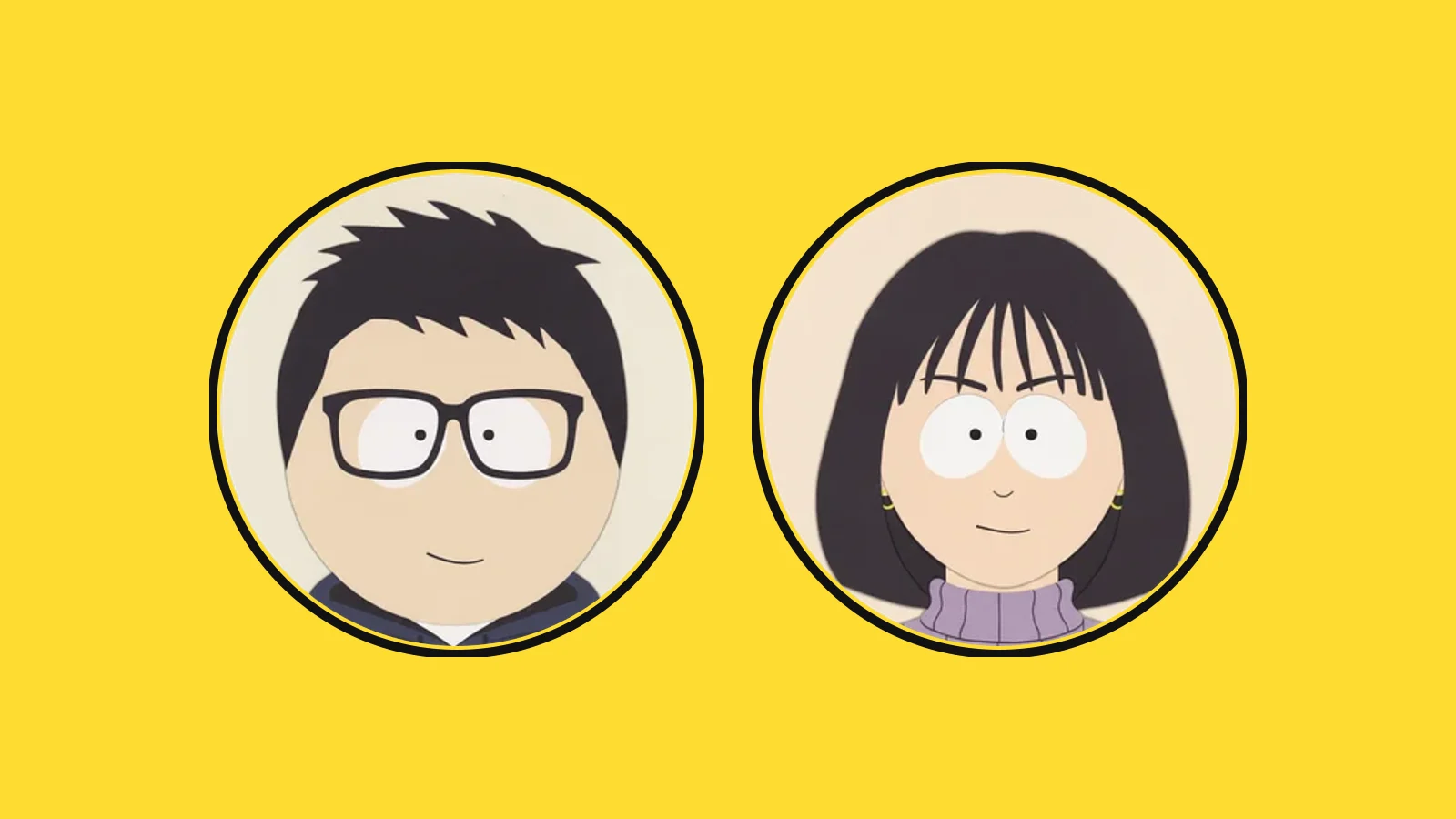
South Park couple PFPs
For a South Park couple PFP, generate one avatar per person in From a photo mode, with the same instruction apart from one swapped detail. These instruction pairs fit the 200-character limit. We wrote them for this guide and have not generated them, so treat them as starting points.
| Theme | Person 1 instruction | Person 2 instruction |
|---|---|---|
| Matching beanies | Keep my glasses and hair. Head and shoulders, wearing a red pom-pom beanie, plain light blue background. | Keep my bangs and earrings. Head and shoulders, wearing a navy pom-pom beanie, plain light blue background. |
| Swapped colors | Keep my hair. Head and shoulders, yellow jacket and green scarf, plain cream background. | Keep my hair. Head and shoulders, green jacket and yellow scarf, plain cream background. |
| Winter walk | Keep my face and curly hair. Head and shoulders in a red puffer jacket, snowy street behind me. | Keep my beard. Head and shoulders in a blue puffer jacket, snowy street behind me. |
Get permission before uploading your partner's photo. If one of you would rather not upload a picture, describe that person in Describe an OC mode with the same background and framing words, for example: "A tall adult with a buzz cut and an oversized gray hoodie, head and shoulders, plain light blue background."
Matching PFPs for best friends, trios, and group chats
For two best friends, the couple method above works as is. For three or more, plan the colors before anyone generates:
- Pick one background color for the whole group.
- Give each person a different main color: red, blue, green, yellow, purple. Avoid two people in near-identical shades.
- Write one shared instruction, such as "Head and shoulders, plain light blue background," and add each person's color and one personal feature.
- Generate everyone at 1:1, download each result you like, then crop them all with the same settings.
- Line the crops up at chat size and check that you can tell everyone apart without names.
Mixed groups work too. A friend who doesn't want to upload a photo can be an OC, and a pet can join with its own photo. If someone has no idea what their OC should look like, the random OC generator can roll a starting point; lock the setting to the group's background.
A set of four people takes at least four completed images, which is 20 credits on an account at 5 credits per image. Budget for a retry or two when one result doesn't fit.
Crop the set the same way
After each generation, open Crop for a profile picture under the result. To make the set line up:
- Set the same Zoom for every avatar.
- Use Horizontal position and Vertical position to put the eyes near the center of the circle, with a little room above the hair or hat.
- Export everyone at the same size.
Cropping happens in your browser and does not use credits. It can line up head sizes, but it can't change a background or a hairstyle that the image doesn't have. The PFP guide has the full circular safe-area checklist.
When one avatar doesn't match
| Problem | Fix |
|---|---|
| Different background color | Regenerate that one avatar with the background phrase at the start of the instruction |
| Head much bigger or smaller | Fix it in the crop with Zoom rather than regenerating |
| One avatar lost the person's main feature | Regenerate with "Keep my…" naming that feature first |
| Everyone looks too similar | Change jacket or hat colors so each person has their own |
Download every result you like before trying again. A new generation draws a new image, so the next try can change the face as well as the part you wanted to fix.
Holiday and seasonal sets
The same method works for a themed set: everyone in a Santa hat, or everyone in a snowy scene. The Christmas PFP guide has holiday instructions and OC prompts you can share across a group.
Questions
Can the tool put both of us in one picture?
This guide makes one avatar per person, because a single face crops into a readable profile picture. We haven't documented results from a photo with two people in it, so we can't say how reliably it keeps both likenesses.
Is there a South Park couple maker?
Not as a single button here; a couple set is two avatars made with matching settings. Some artist-made Picrew makers are built for pairs, each with its own usage rules. Our Picrew guide explains what to check before using one.
What is the best background for matching PFPs?
A plain single color that contrasts with everyone's hair, such as light blue or cream. It is the detail the model repeats most reliably, and it stays readable inside a small circle.
How do I make matching South Park PFPs for three or four friends?
Pick one background color and a different main color for each person, generate everyone separately at 1:1, then crop all of them with the same zoom and export size.

Author