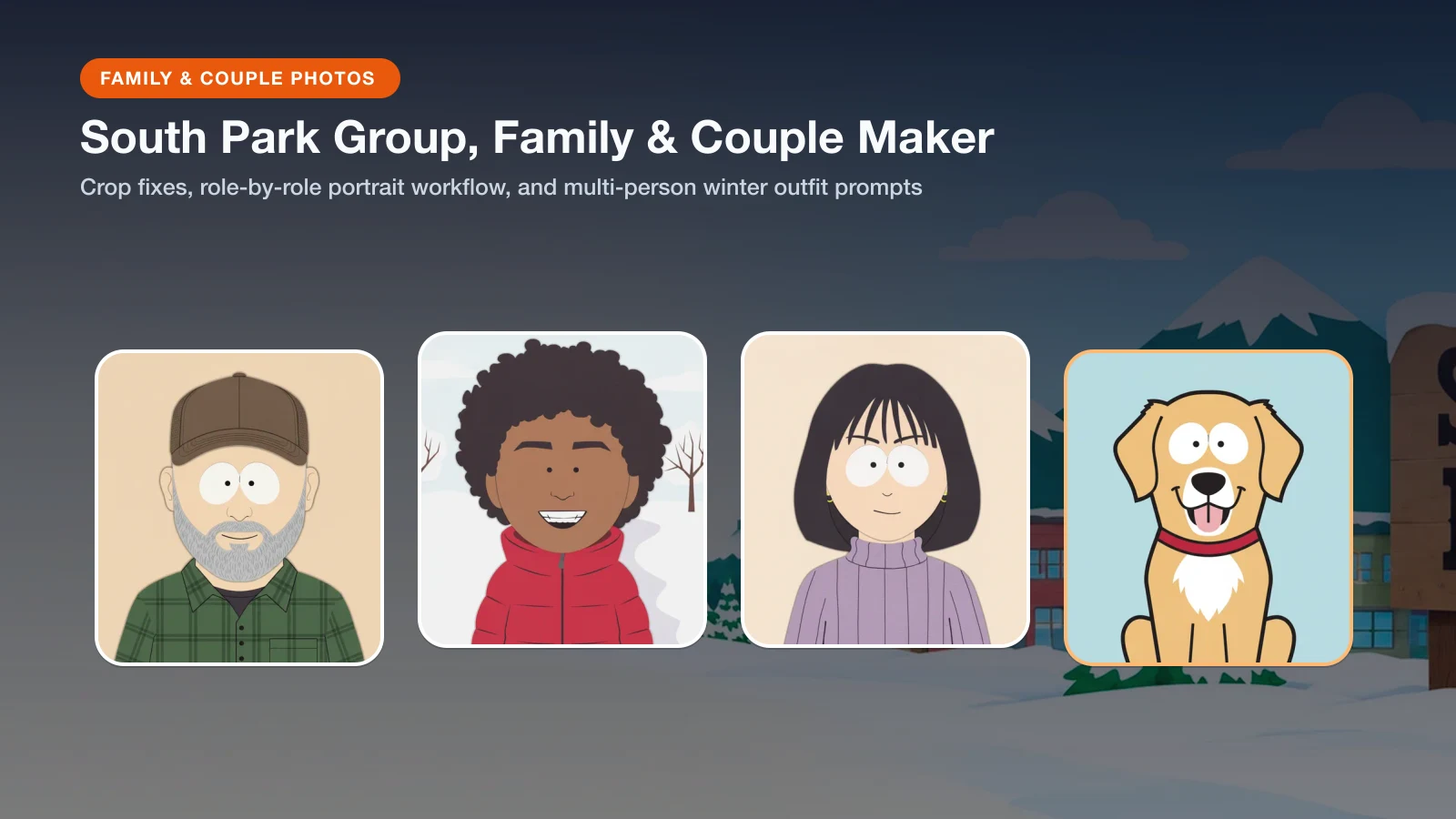
Searching for a South Park family portrait maker or trying to put a couple or friend group into winter parkas for a holiday card or YouTube banner? While single selfies convert effortlessly in one pass, multi-person group photos almost always stumble over the same issue: tiny distant faces get simplified hair, merged glasses, or stiff spacing.
Here is the reliable workflow that keeps parents, partners, kids, and pets sharp—plus starter prompts tuned for adult/teen/kid age proportions so everyone doesn't end up looking the exact same height.
(Looking purely for twin square profile pics for Discord or TikTok? Jump to our Matching South Park PFP Guide instead—this guide covers multi-member family sets, real couple photo prep, and role-by-role generation.)
Convert One Person (or Pet) at a Time for Crisp Details
Upload a chest-up solo photo for each family member or partner first so hair, beards, glasses, and outfits stay unmistakable.
Why individual portraits beat wide group photos
When you feed a 4-person vacation photo into a portrait generator, each face takes up less than 10% of the canvas. Converting one clear solo portrait per person gives you:
- Readable facial traits: Beards, curly bangs, earrings, freckles, and wire-frame glasses stay sharp (
/images/examples/gallery/beard-avatar.webp,/images/examples/gallery/curly-hair-avatar.webp,/images/examples/gallery/glasses-avatar.webpall came from clean single-subject shots). - Accurate age scaling: You can crop or scale adults, teens, and kids cleanly afterward in Canva, Figma, or any collage layout rather than letting one prompt shrink an adult down to 4th-grader height.
- Easy background matching: Give every portrait a
"solid plain light blue winter background"or"clean white background"so they drop onto a shared snowy banner seamlessly.
How to match a multi-person photo set in 3 steps
- Pick a shared 3-color palette before generating: Decide on one unifying cue—e.g., matching red scarves, muted Colorado flannel/parka tones, or Christmas sweaters.
- Generate each member separately (Photo or Text mode):
- Adults & parents: specify angular taller proportions and mature clothing (
plaid flannel,winter coat,coffee cup,beanie). See Teen & Adult Proportions. - Kids & younger siblings: specify round cheeks, shorter torso, and chunky boots or knit earflaps.
- Pets: follow the front-facing collar checklist in our Pet to South Park Guide.
- Adults & parents: specify angular taller proportions and mature clothing (
- Assemble on one shared canvas: Once you sign in to download clean PNGs without distortion, arrange the portraits side-by-side over a snowy mountain town banner or place them inside circular Discord / family group-chat icons.
Starter Prompts for Family, Couple & Sibling Characters
If you don't have matching photos from the same lighting or angle, generate your cast directly from text descriptions using these coordinated starter presets:
Adult Parent With Winter Parka & Coffee Mug
Partner / Couple Coordinating Scarf Outfit
Kid Sibling in Oversized Puffer Snowsuit
Need a seasonal card or couple Discord pair next?
- Build matching Discord/TikTok profile avatars in Matching South Park PFP
- Dress everyone up for December in South Park Christmas PFP Ideas
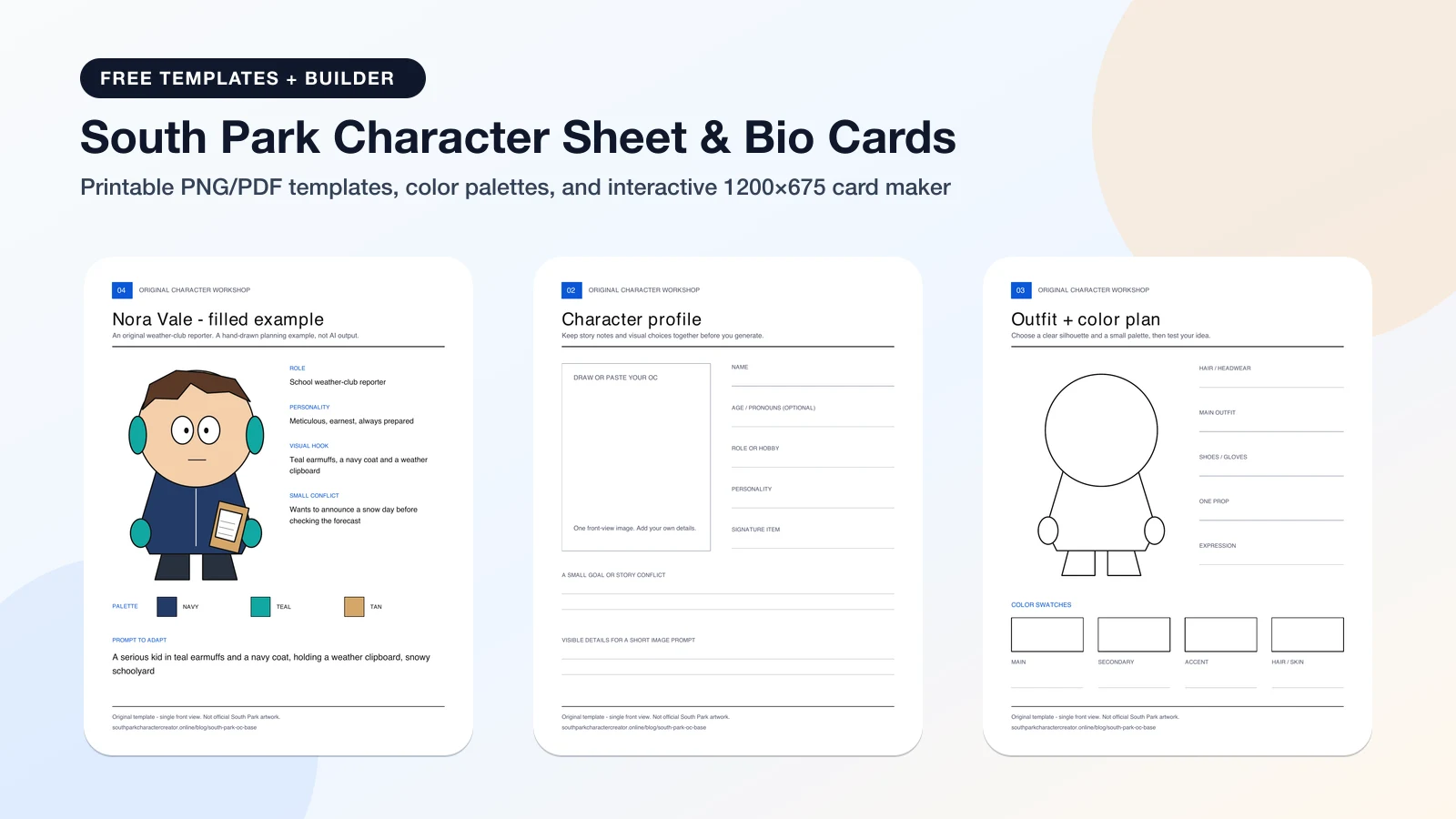
- Create custom lore cards for each member with our Character Sheet & Bio Card Builder

Author