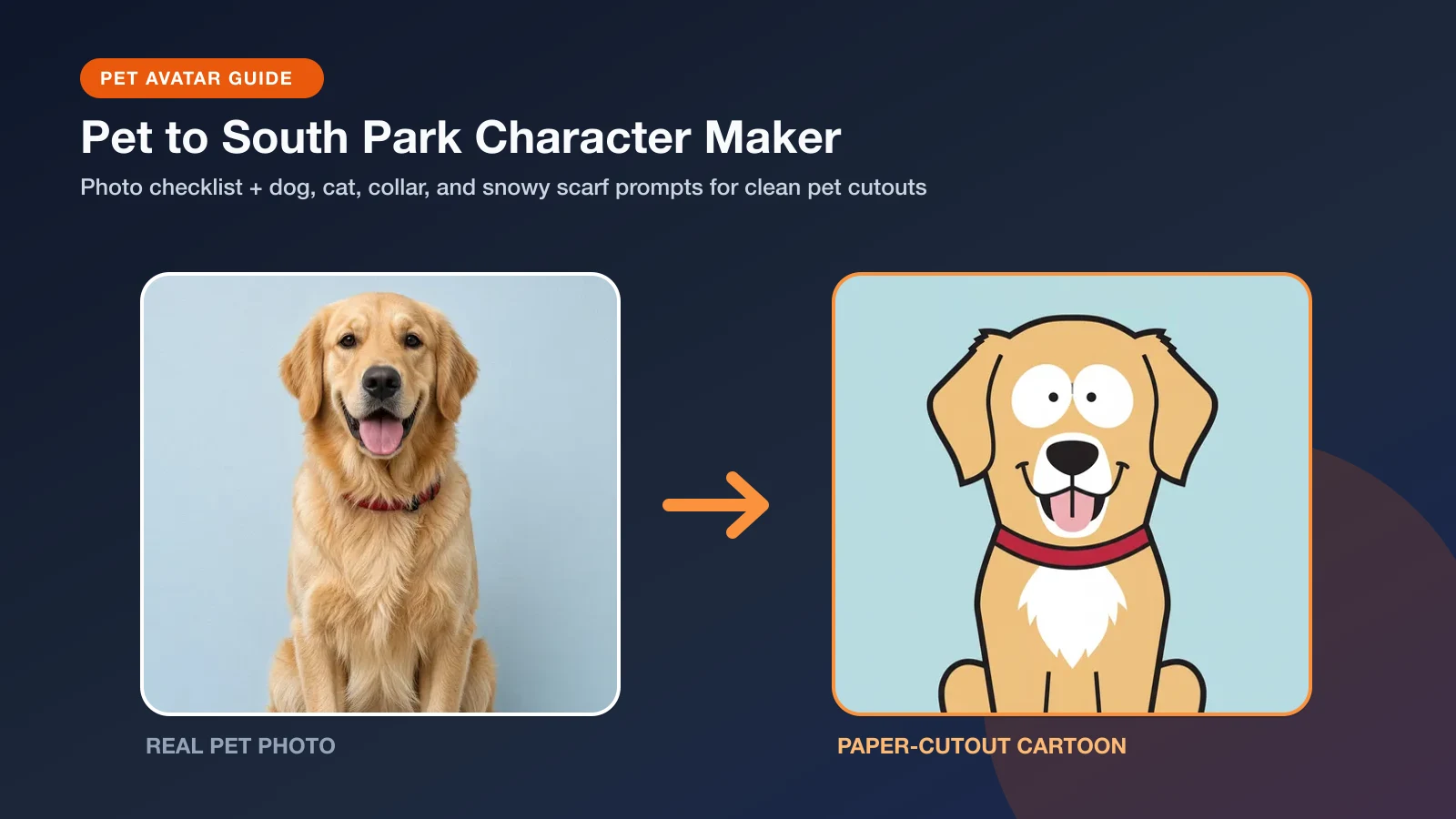
Turning a pet photo into a construction-paper cartoon is one of the easiest ways to get a funny Discord PFP, phone lock screen, or custom mug gift—without hand-tracing floppy ears or collars.
Because pets do not follow human facial proportions, getting a clean result comes down to which photo angle you upload (for Photo-to-Avatar mode) or how clearly you describe ear shape, chest patch, and collar color (for Text-to-Avatar mode).
Real Tested Example: Dog Photo to Cutout Avatar
Here is an unedited example from our photo-to-avatar gallery showing how a front-facing Golden Retriever photo translates into flat construction-paper colors while preserving the open-mouth smile and red collar:
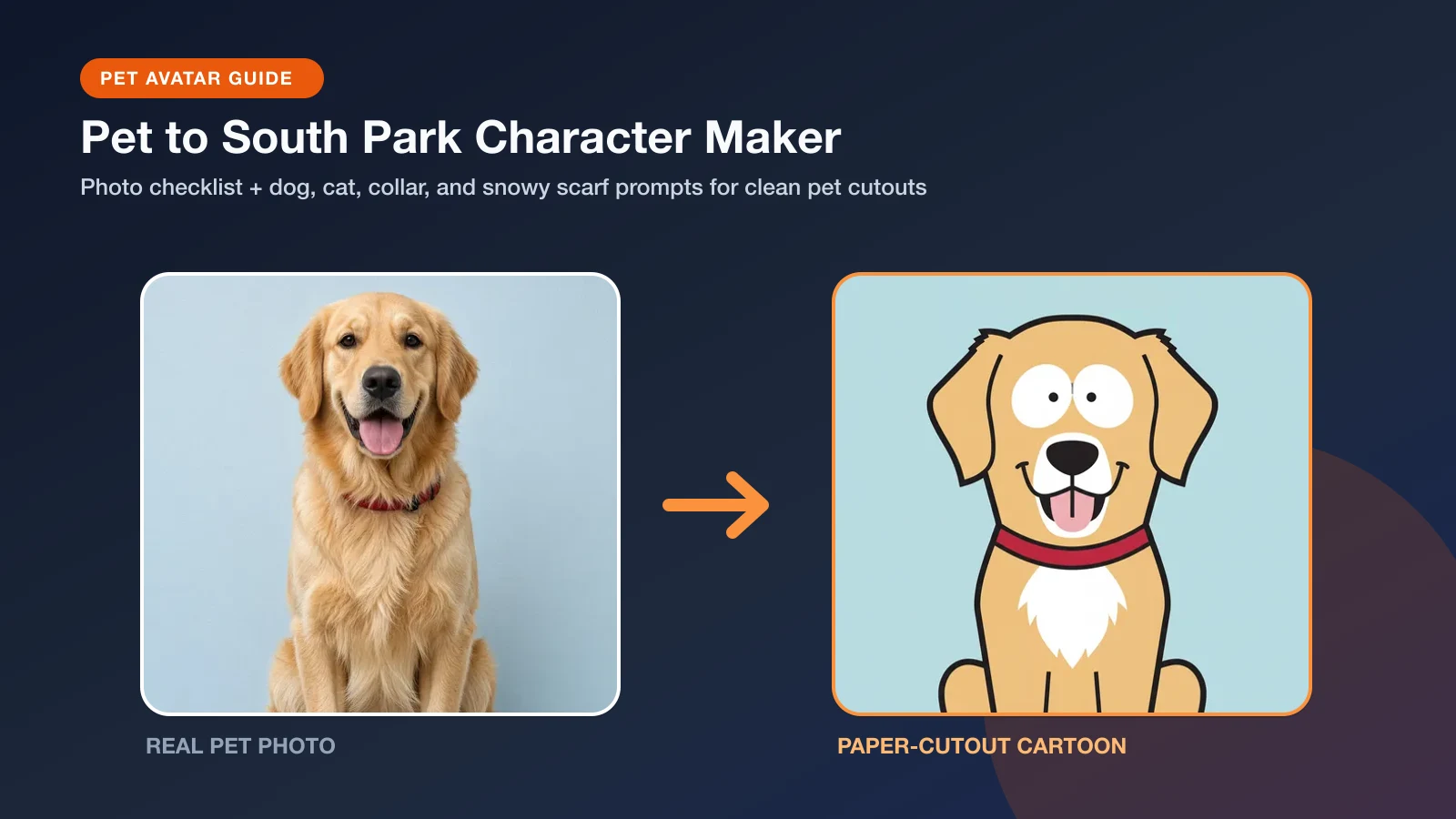
You can inspect both full assets in our gallery set (/images/examples/gallery/dog-photo.webp and /images/examples/gallery/dog-avatar.webp).
Convert Your Dog or Cat Photo Into a Cutout Avatar
Upload a well-lit, front-facing pet photo where both eyes, ears, and the collar are clearly visible.
4-Step Pet Photo Checklist (Before You Upload)
- Face-on angle beats side profile: Classic paper-cutout characters are recognized by big round close-set eyes. Avoid sideways sleeping photos where one eye is hidden.
- Solid floor or wall behind the fur: Grass, patterned carpets, or bright window backlight can merge with fluffy coats. Shoot near a clean wall or outdoors in even shade.
- Keep a collar, bandana, or tag visible: Bold primary accessories (
red nylon collar,plaid bandana,gold bell) give the flat illustration a clear anchor color. - Separate dark fur from shadow: For black cats or dark chocolate labs, shoot in bright daylight so ears and whiskers remain distinct from the face.
Read our full Photo-to-South-Park troubleshooting guide if a selfie or pet shot loses ear shape on the first run.
No Clean Photo? Start From These Pet Prompt Presets
If your pet refuses to sit still for a front-facing photo, switch to Text Mode and describe fur patches, ear geometry, and one winter accessory. These starter presets can be copied or launched right in the creator:
Happy Golden Dog With Red Collar
Fluffy Tuxedo Cat With Red Knit Scarf
Making matching owner + pet icons?
For Discord partner icons or family holiday cards, generate your pet and each human as separate clean portraits first rather than cramming everyone into a crowded wide shot—that keeps eye spacing and accessories sharp when cropped into small circles. See our Family, Couple & Group Portrait Guide or Matching South Park PFP Guide.

Author