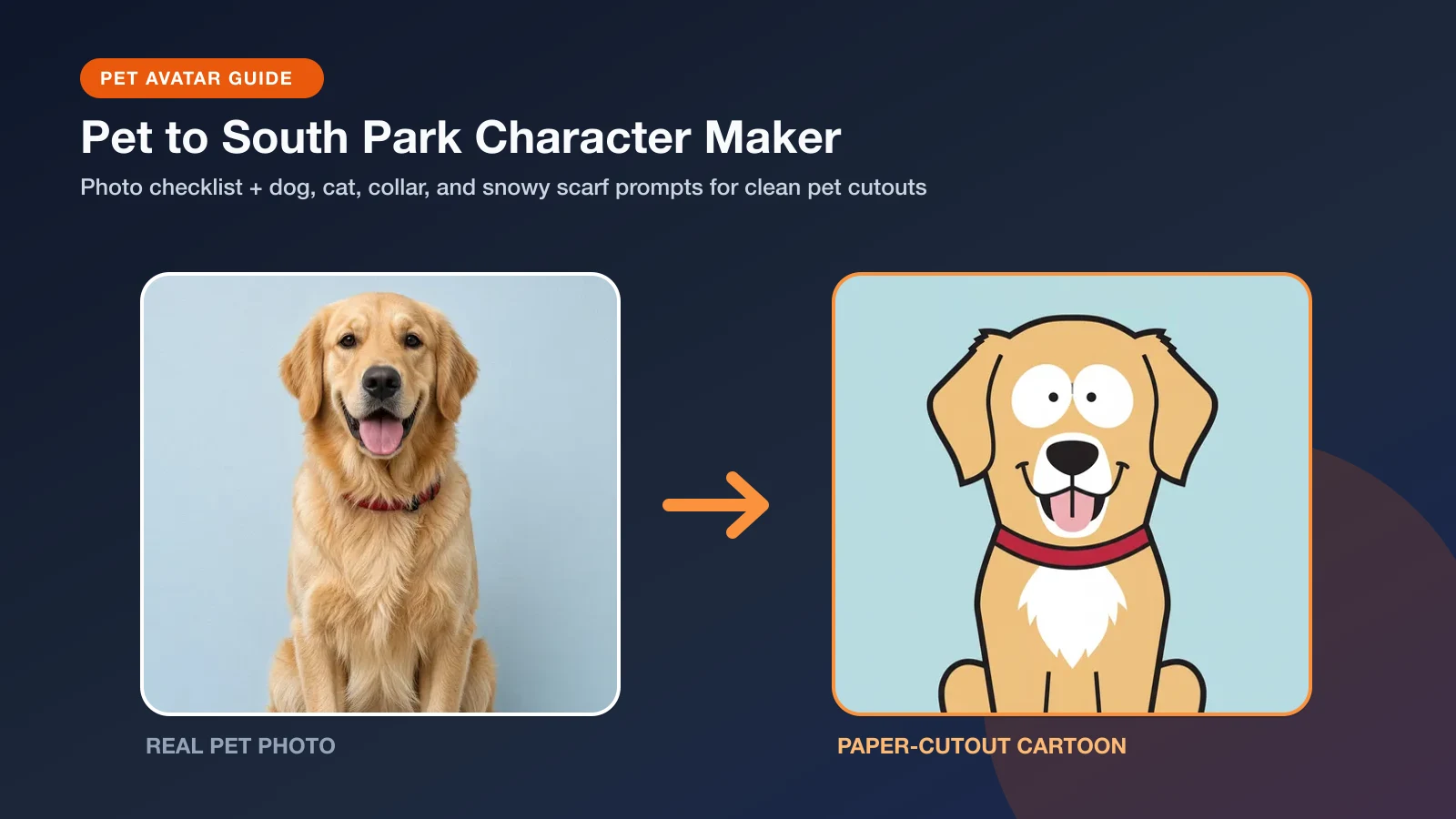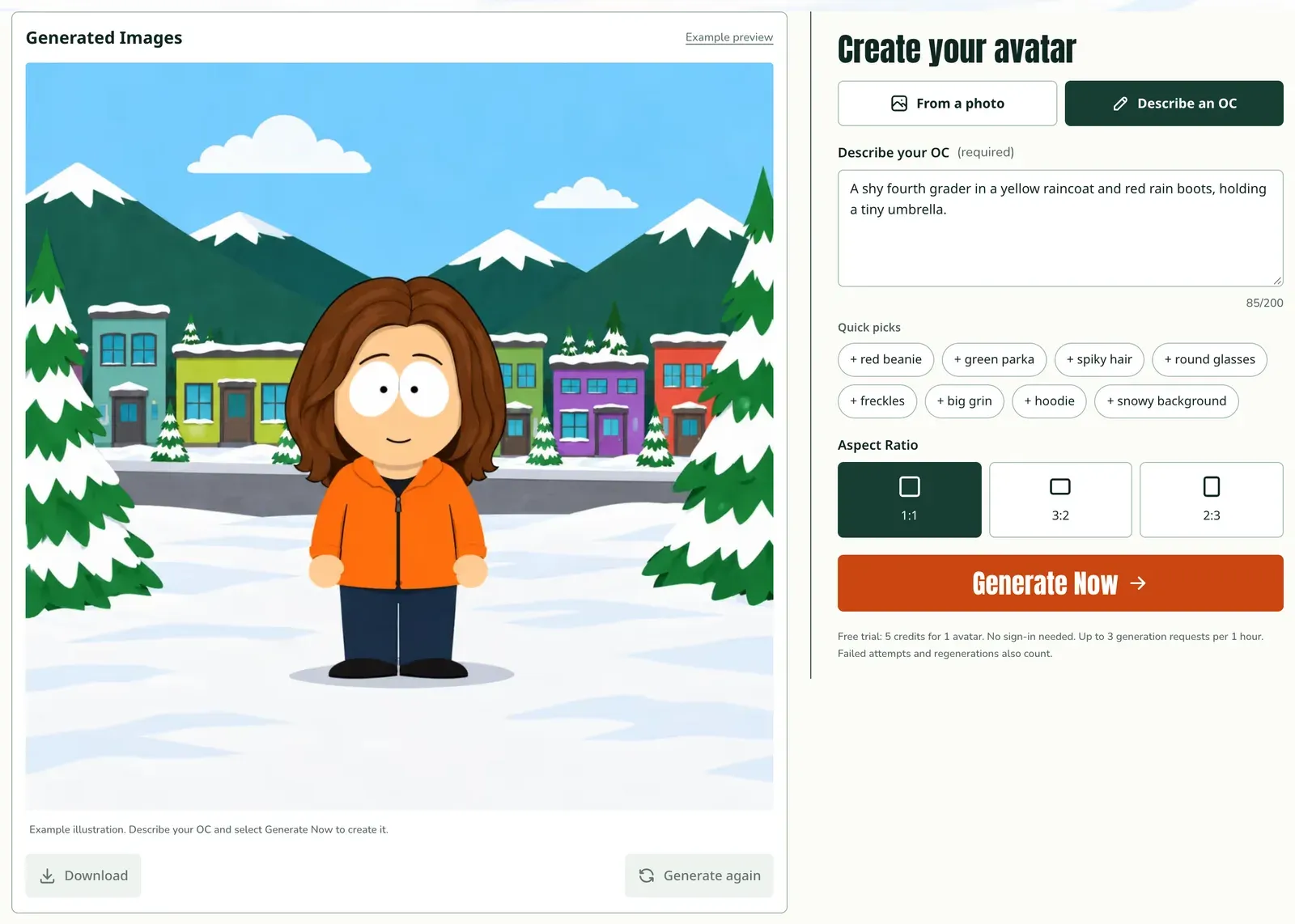
From the viral "I have a South Park OC" audio to TikTok AI cartoon filters, Discord roleplay profiles, and Roblox The Stick of Truth / Fractured But Whole New Kid builds, fans are creating more custom South Park avatars than ever. Yet most people hit the same wall: built-in TikTok or CapCut filters warp faces into blurry 3D cartoons, while older dress-up dolls and Picrew templates run out of Goth, Y2K streetwear, and alt-hair combinations.
Use the embedded creator below to generate a crisp, 1K cut-paper South Park OC from a text prompt—or switch to From a photo to turn your own selfie into a South Park character for TikTok slideshows and PFPs.
Try it right here
How to Make the "I Have a South Park OC" TikTok Trend (3-Slide Formula)
The "I have a South Park OC" trend on TikTok and Reels usually follows a three-slide reveal:
- Slide 1 — The Neutral Intro Pose: Your OC standing on the snowy Colorado sidewalk or at the bus stop, waving at the camera with their signature hat, jacket, and color palette.
- Slide 2 — The Close-Up / Alt Expression: A zoomed-in 1:1 square crop showing their annoyed side-eye, chaotic grin, or coffee-fueled panic, paired with lore text (name, grade/age, favorite hangout, and who they sit next to in class).
- Slide 3 — The Group or Outfit Variant: A winter parka vs. indoor hoodie swap, or matching PFPs with your friend group or canon chaotic quartet.
Tip for Multi-Slide Sets: You get 1 free guest generation plus 1 free bonus avatar (and watermark removal) when you sign in. If you are building a full 3-expression TikTok intro or matching friend PFPs, the $4.90 Starter Pack (10 watermark-free avatars, one-time checkout with Apple Pay, Google Pay, Card, Alipay, or WeChat Pay) gives you enough credits to generate the entire set without a monthly subscription.
Copy-Ready TikTok, Reddit & Community OC Prompts
Click Try in Creator above on any card below to load the prompt directly into the generator, or copy and tweak the outfit colors to match your character.
1. "I Have a South Park OC" Intro Slide Preset
Built specifically for the first slide of a TikTok character introduction: clear silhouette, friendly wave, and unmistakable flat construction-paper texture.
2. Goth Cat-Ears & Platform Boots OC (TikTok / Discord Favorite)
One of the most requested styles on Reddit (r/southpark) and TikTok OC showcases—combining the classic Goth Kids dark palette with modern alt accessories that traditional sprite makers rarely include.
3. Y2K Baggy Skater & Headphones Streetwear OC
Oversized hoodies, cargo pants, over-ear headphones, and a skateboard tucked under one arm. Keep the prompt focused on 3–4 visible props so the construction-paper silhouette stays clean.
4. Split-Dye Emo Hoodie & Piercing Alt OC
Half-black half-neon hair and striped arm warmers translate surprisingly well into South Park's flat vector aesthetic when you specify thick paper edges and simple oval eyes.
5. Roblox / "New Kid" Superhero RPG Costume OC
Inspired by South Park: The Stick of Truth, The Fractured But Whole, and Roblox South Park RP servers—a homemade cardboard-and-towel superhero outfit over a winter jacket.
TikTok AI Filter vs. Picrew vs. South Park Character Creator
Why do creators switch from in-app camera filters to a dedicated South Park OC maker?
| Feature | TikTok / CapCut AI Filter | South Park Picrew / SP-Studio | South Park Character Creator (Photo + OC Mode) |
|---|---|---|---|
| Art Style Accuracy | Often turns faces into generic 3D Pixar or smooth anime | Authentic 2D parts, but limited to pre-drawn sprites | Flat 2D construction-paper cutout look |
| Photo-to-Character | Live camera only, low export resolution | No photo upload support | Upload any selfie, couple photo, or pet photo |
| Goth / Y2K / Custom Lore Props | Cannot add custom props by text | Fixed catalog of hats and shirts | Type any hair dye, hoodie, headphones, or prop |
| Aspect Ratios for Social | Vertical screen recording with UI clutter | Usually 1:1 square only | 1:1 PFP, 2:3 vertical TikTok slide, or 3:2 banner |
4 Rules for Viral South Park OC Slideshows
- Use
2:3for full-body TikTok slides and1:1for Discord/TikTok profile icons: Switch the Format selector in Step 2 before clicking Generate so you never have to crop off your character's hat or boots. - Keep the color palette to 3 anchor colors: South Park characters read instantly at thumbnail size because one color dominates the hat, one dominates the jacket, and one accents the gloves or hair.
- Avoid safety-filter trigger words: If you are designing a Goth or edgy OC, describe clothing and mood (
black velvet coat, silver chain necklace, platform boots, bored half-lidded expression) rather than weapons or explicit horror terms so your generation succeeds on the first try. - Export matching circular and square crops: Once your avatar finishes rendering, use the Avatar crop & export panel inside the Player Card to download a ready-to-use
512×512PNG for Discord and TikTok.